Setup: the complete walkthrough
Everything you'll do to go from signup to a live warranty portal, in the order you'll do it.
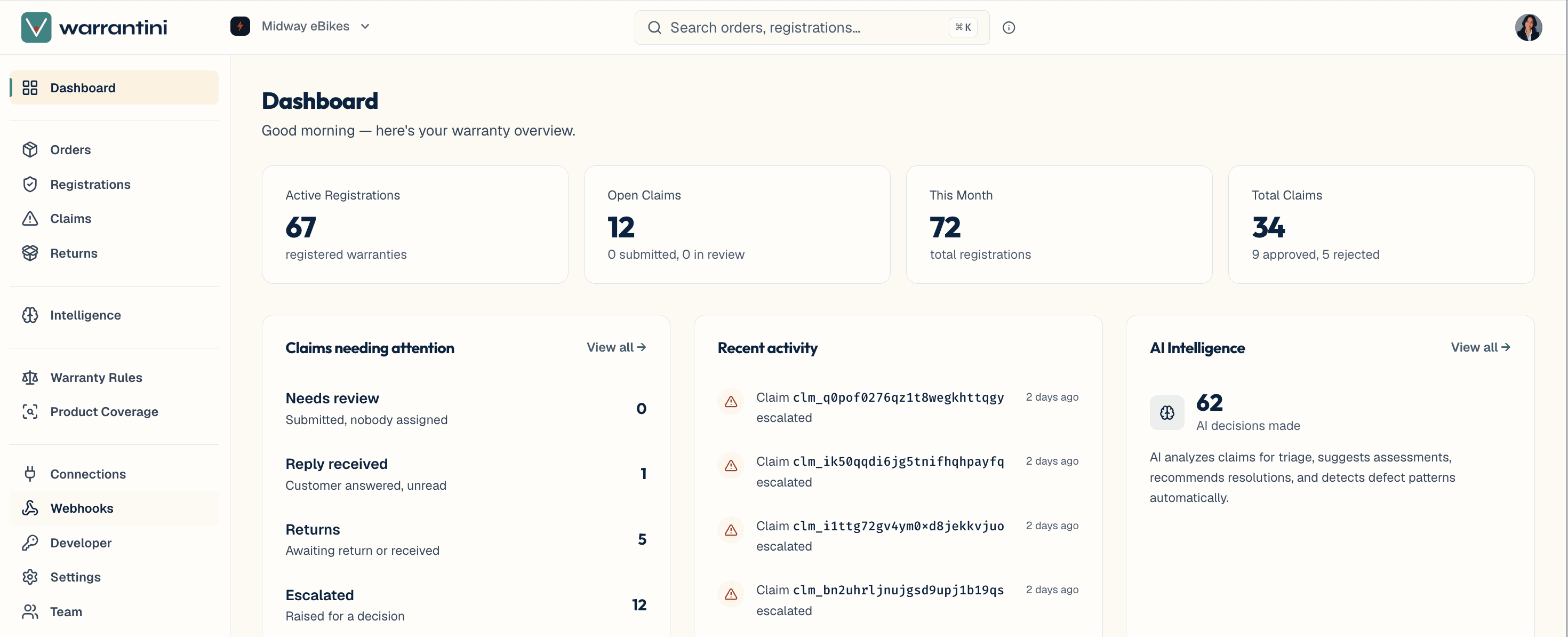
This walkthrough covers everything you'll set up, in order, with a rough time estimate for each part.
The software side takes about an afternoon. The part that usually takes longer is deciding what your warranty actually covers — most companies haven't written it down in one place before. That's step 3, and you don't need the answer before you start.
If you get stuck, ask us. Setup help is included at no cost.
Everything in warrantini is built from two ideas.
A rule is your coverage promise, written down. "Every backpack we sell is covered for two years." You'll write a handful of these.
A registration is one specific customer's coverage on one specific unit they bought. It's created when a customer registers their product, and it's the thing a claim attaches to. A registration remembers the rule it was created under, so changing a rule later never changes coverage someone already has.
Products and orders come from your sales data. Rules are yours to write. Registrations and claims come from your customers.
Part one — get your product and order data in. About 30 minutes.
- Create your account and invite your team — sign up, name your organization, pick a plan, add the people who'll be handling claims.
- Get your product and order data in — connect a storefront if you have one, or use one of the other paths if you don't.
Part two — decide what's covered. An hour or two, mostly thinking.
- Write your coverage rules — turn your warranty promises into rules that match your products. Start from a template if you'd rather not start from blank.
- Brand and publish your portal — your customers' front door: they look up an order, register a product, and file a claim. It's hosted for you.
Part three — decide who does what. About an hour.
- Set up your team, claims workflow, and notifications — who reviews a claim, who approves it, what happens when a unit needs to come back, and what your customers hear from you along the way.
Part four — check it and open the doors. About 30 minutes.
- Do a test run — file a claim as if you were a customer and walk it all the way to a decision.
- Go live — the checklist, where to put your portal link, and the things that most commonly come up in week one.
Two steps can be deferred and picked up later without breaking anything else:
- Getting your data in. You can write rules and see the portal first. Nothing customer-facing works until real product and order data is in, but you can build everything around it.
- Your team. You can set the whole thing up alone and add people when you get to team setup.
The test run can't be skipped. It's the only step that confirms the previous steps worked, and it takes five minutes.